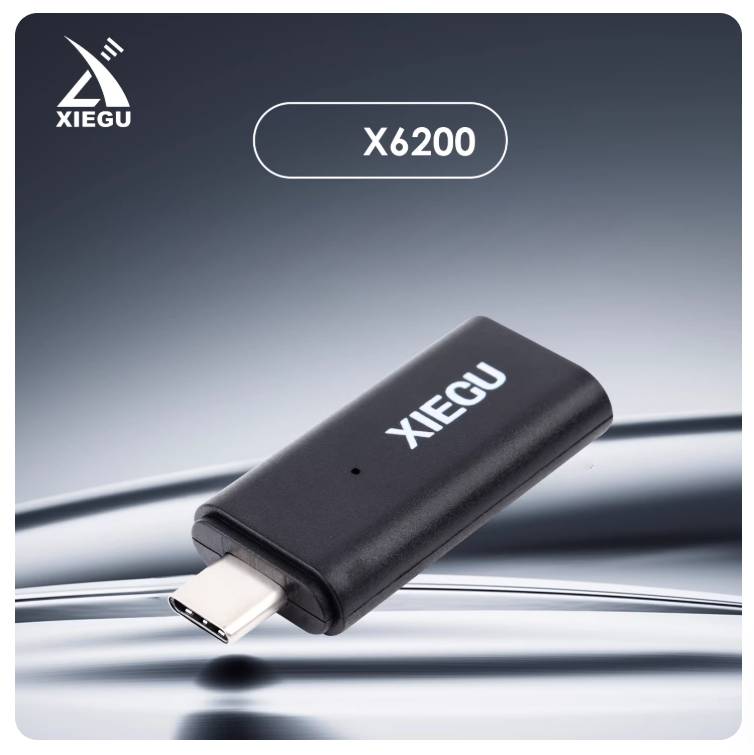
XIEGU WF‑01 External Bluetooth Adapter for X6200 — Plug‑and‑Play Wireless FT8 (FT8CN Android Compatible)
Compact WF‑01 Bluetooth dongle designed for the XIEGU X6200 to enable wireless FT8 via the FT8CN Android app. Plug‑and‑play, low‑latency audio interface for portable digital ham radio.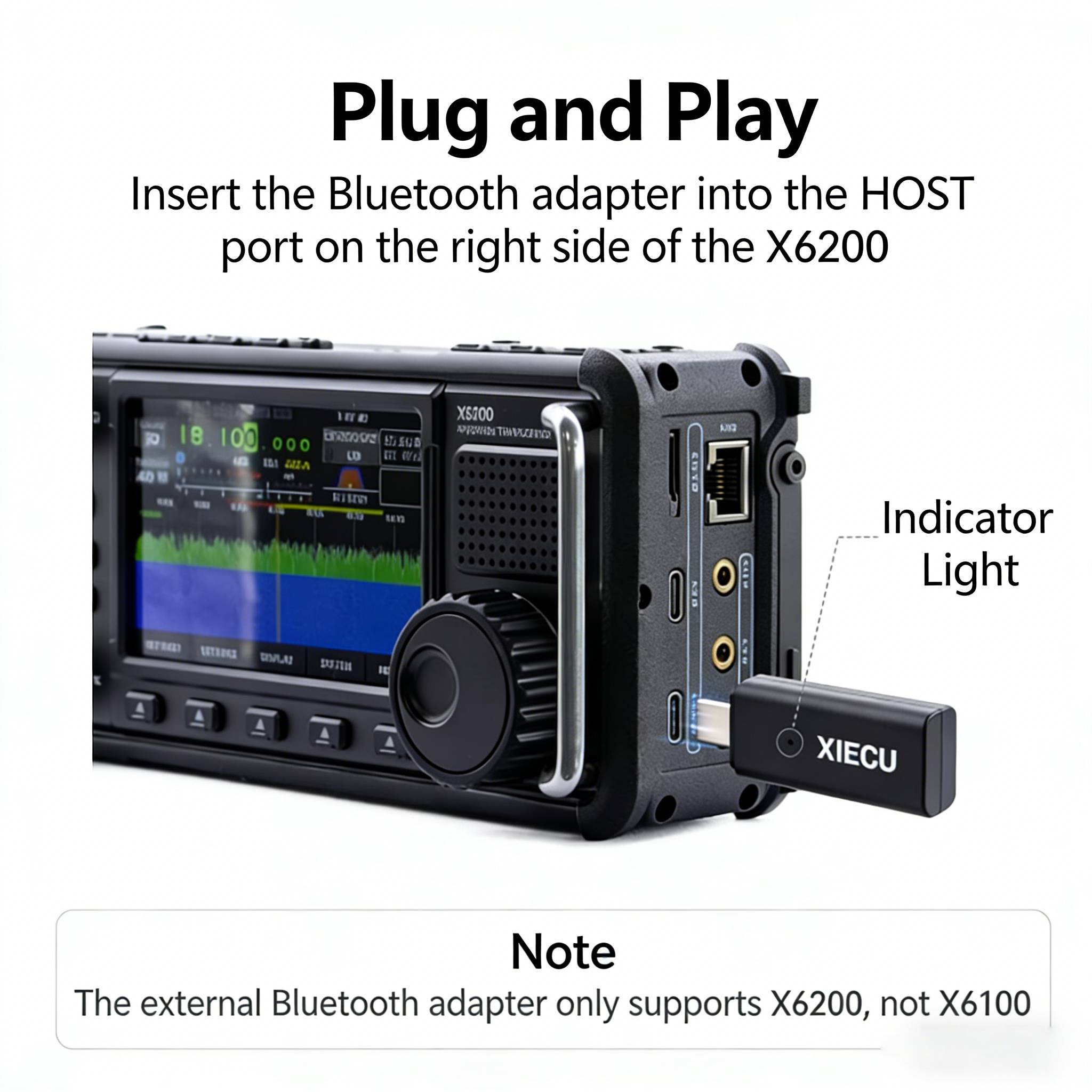


Overview
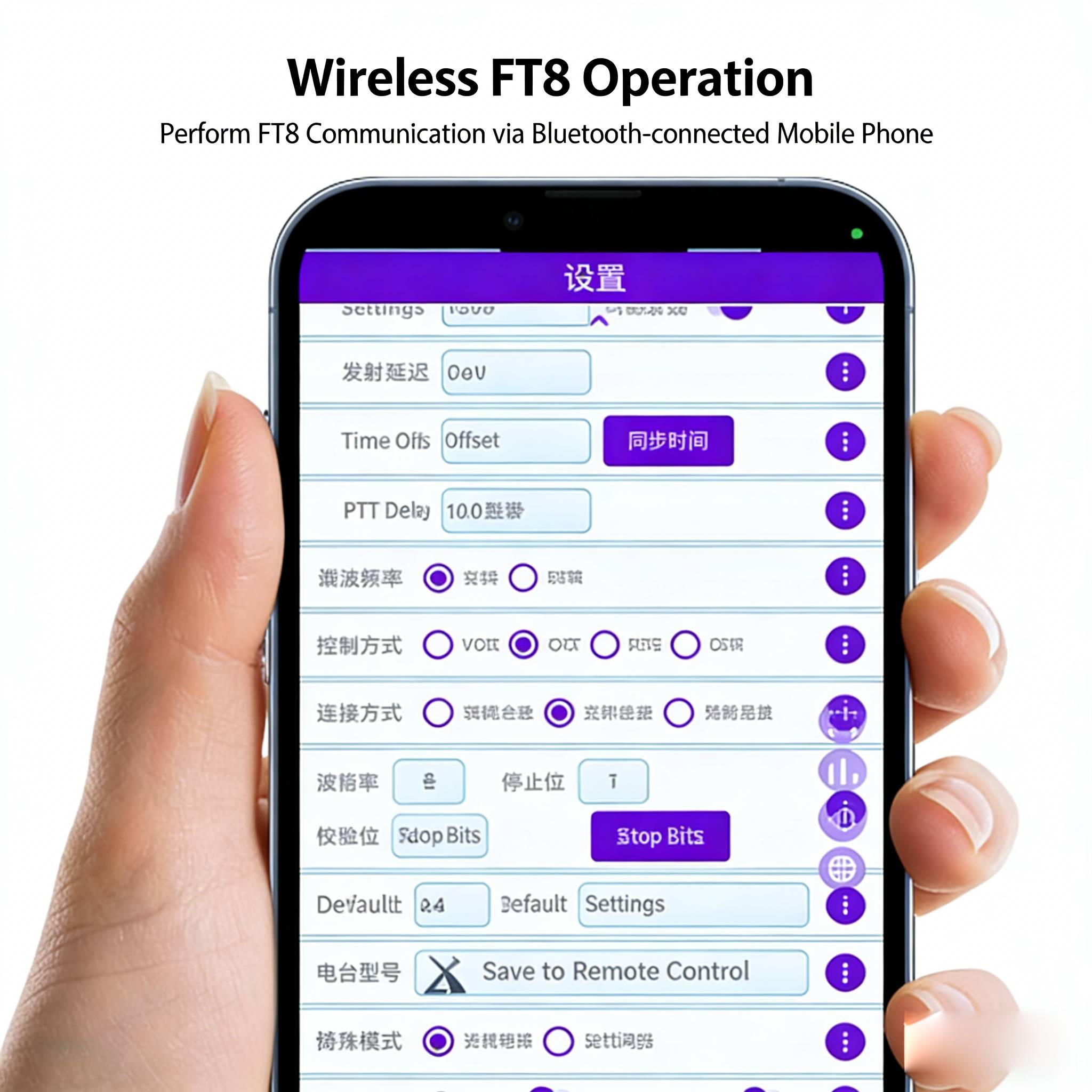
The XIEGU WF‑01 is a compact external Bluetooth adapter purpose-built for the XIEGU X6200 transceiver. It enables true wireless FT8 operation when paired with the FT8CN app on Android devices, eliminating the need for audio cables during portable digital operations.
Key features
- Compatibility: Designed specifically for XIEGU X6200 (external adapter support is documented in the X6200 manual). (xiegu.eu)
- Bluetooth: Bluetooth 5.0 for stable, low‑latency audio and data transfer.
- Plug‑and‑Play: Simple connect‑and‑pair workflow — disable the X6200 internal wireless adapter if required, plug in WF‑01 and pair with your smartphone.
- App support: Works with FT8CN (Android). Note: FT8CN is Android‑oriented; some phones / OS versions may impose Bluetooth restrictions — test your device before field use.
- Size & weight: Very small, lightweight — ideal for portable/POTA/SOTA ops (dimensions and weight from product spec).
Typical specs (for product card)
- Model: WF‑01 (XIEGU external Bluetooth adapter)
- Bluetooth version: 5.0.
- Compatibility: XIEGU X6200 transceiver (external adapter mode).
- Dimensions: ~19 × 8 × 45 mm; Weight: ~10 g.
- Supported app: FT8CN (Android).
Package contents (what to list)
- 1 × WF‑01 external Bluetooth adapter
- 1 × Quick start / user manual
Quick pairing & setup (for product page usage instructions)
- On the X6200, go to System → Bluetooth/Wireless and set internal adapter OFF if needed.
- Insert the WF‑01 adapter into the X6200 host port.
- On the adapter, power/pair mode should start (see local manual). On your Android phone open Bluetooth and pair with the device.
- Launch FT8CN and select the paired audio interface; run RX/TX tests at low power before normal operation.
Troubleshooting tip: If pairing fails, reboot both devices, ensure X6200 wireless is OFF, and retry.
Compatibility & disclaimers (important, display visibly)
- The WF‑01 is designed for the XIEGU X6200 and is officially documented for wireless FT8 use; it relies on app and phone Bluetooth support — some phones/OS versions may not be compatible. Recommend customers verify FT8CN compatibility on their device before purchase.